
A Review of the E7 Flexispot Standing Desk
We were sent the Flexispot E7 Standing Desk in return for an honest review.
Having previously received a Flexispot product, I was rather chuffed when they approached me again to ask if I would be interested in receiving and reviewing a Flexispot standing desk. The answer was a resounding yes!

There were a number to choose from but it came down to the Flexispot E7 vs E8. The only major difference here was the shape of the legs. The E8 is slightly rounded whilst the E7 was square. So, I opted for the Flexispot E7. I added on a maghony desktop and choose a CPU Holder.
Table of Contents
Flexispot E7 Review
How Easy Is It To Put the Flexispot Standing Desk Together?

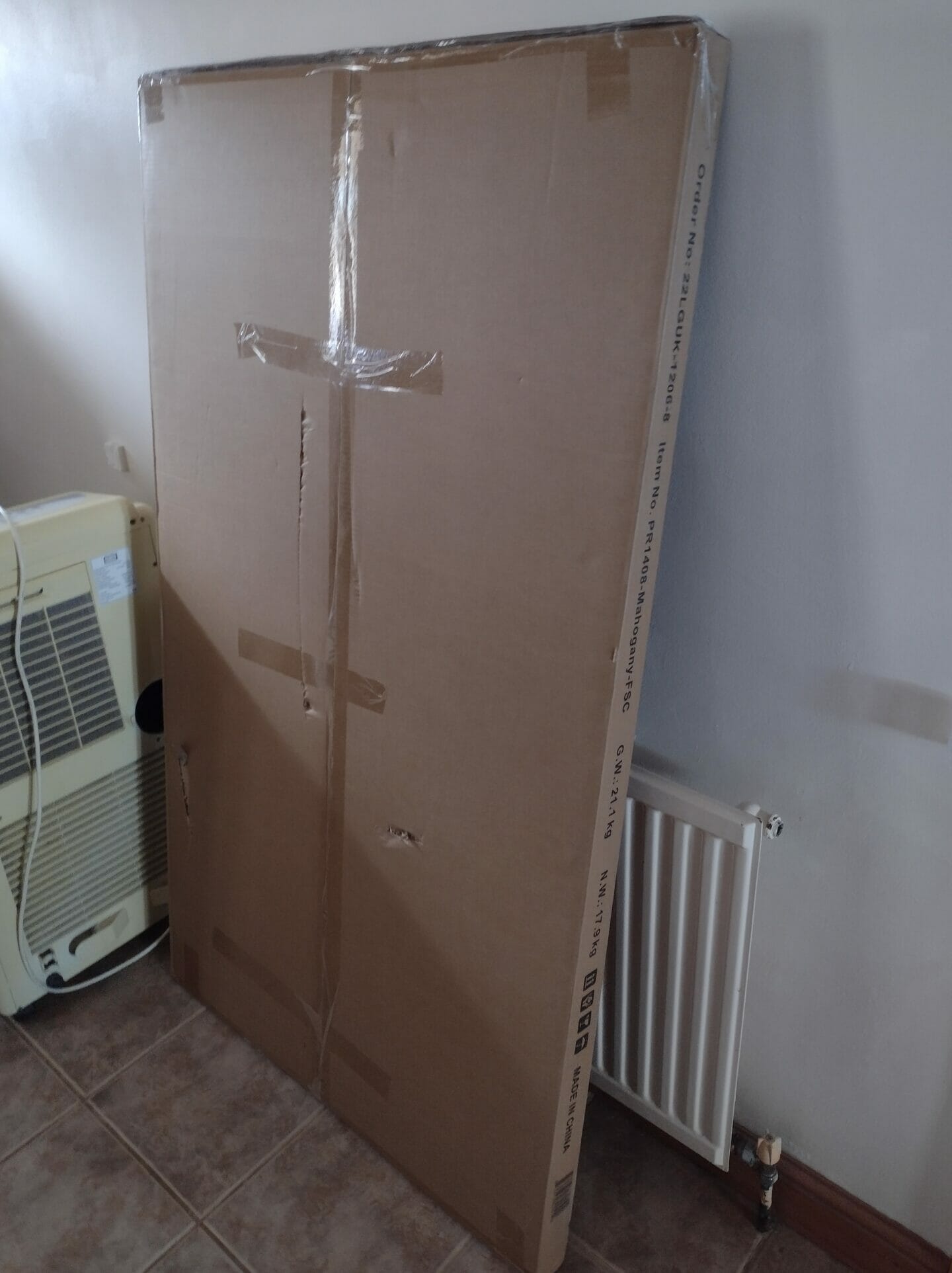
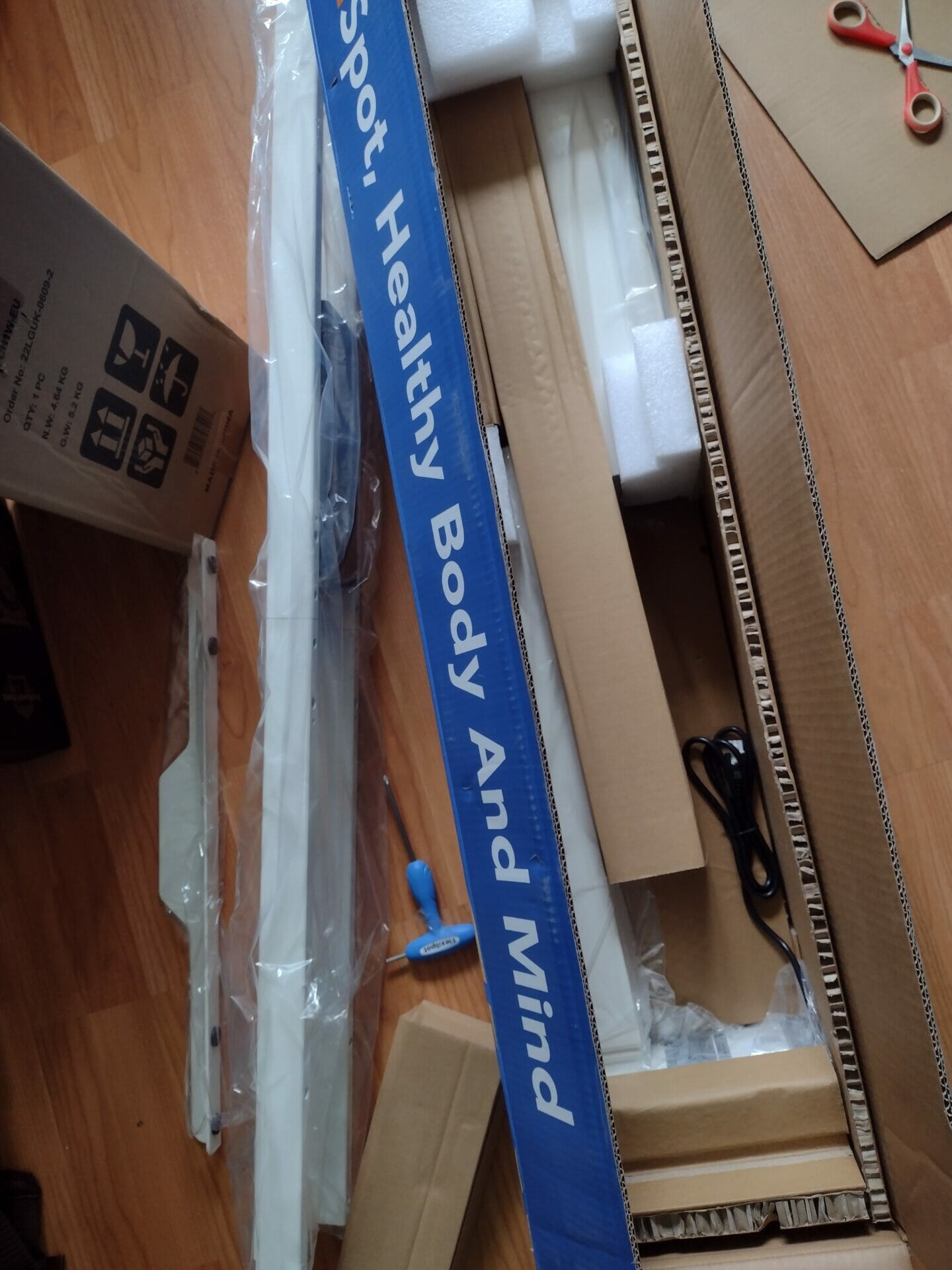
The answer, in short, is surprisingly easy! The desk came in 3 different packages. The frame was extremely heavy and, if you lack physical strength, you will need help to pick it up!
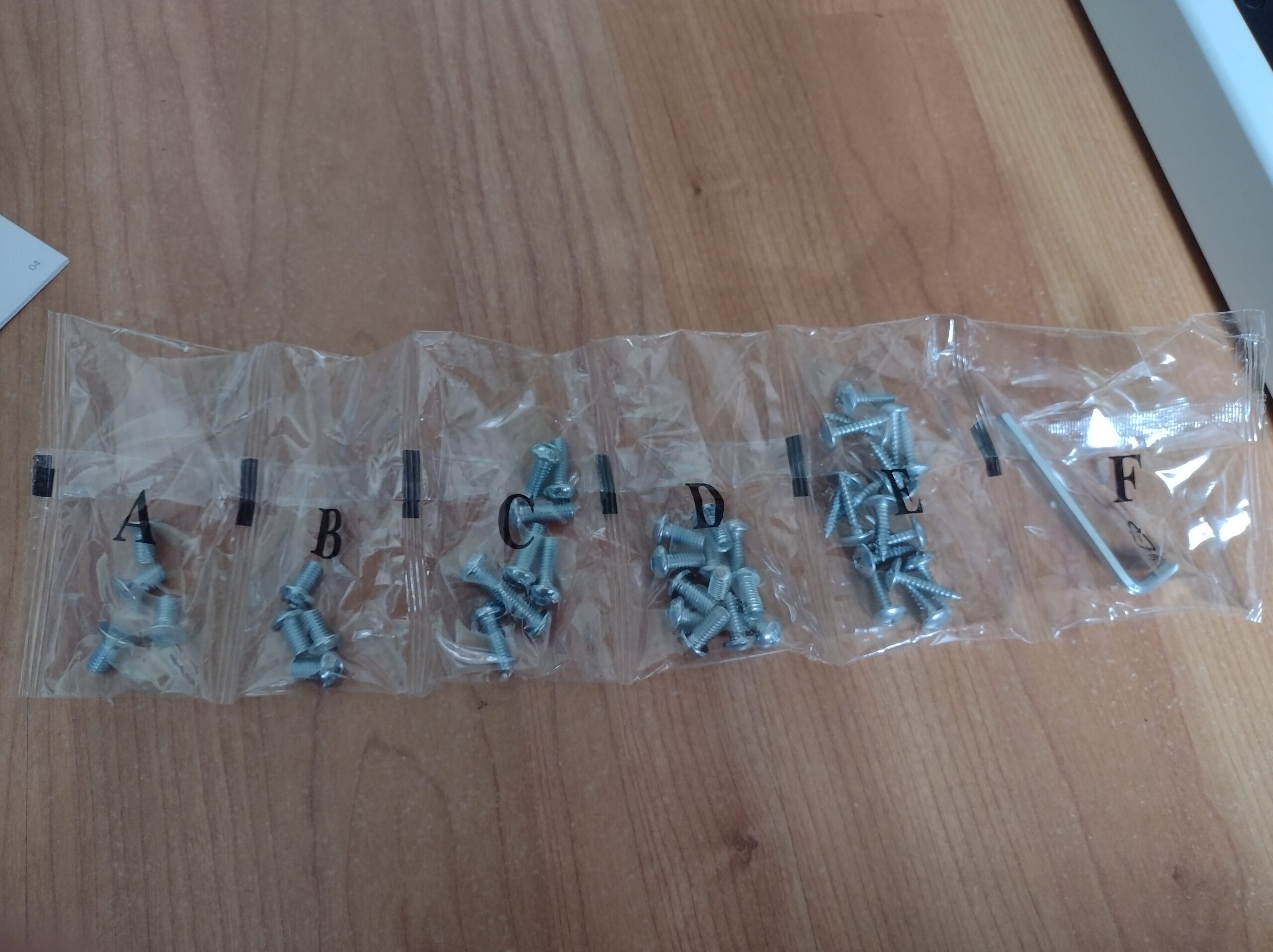
The Flexispot desk manual which comes with the desk is simple to follow, the parts are all obvious and the screws all come in little packs marked with their corresponding letter.
Starting with the frame, I followed the instructions as directed and it was extremely easy to do. The desk comes with a cable tidy for the power leads which move the desk and there is absolutely no wiring or any electrical work to concern yourself with!
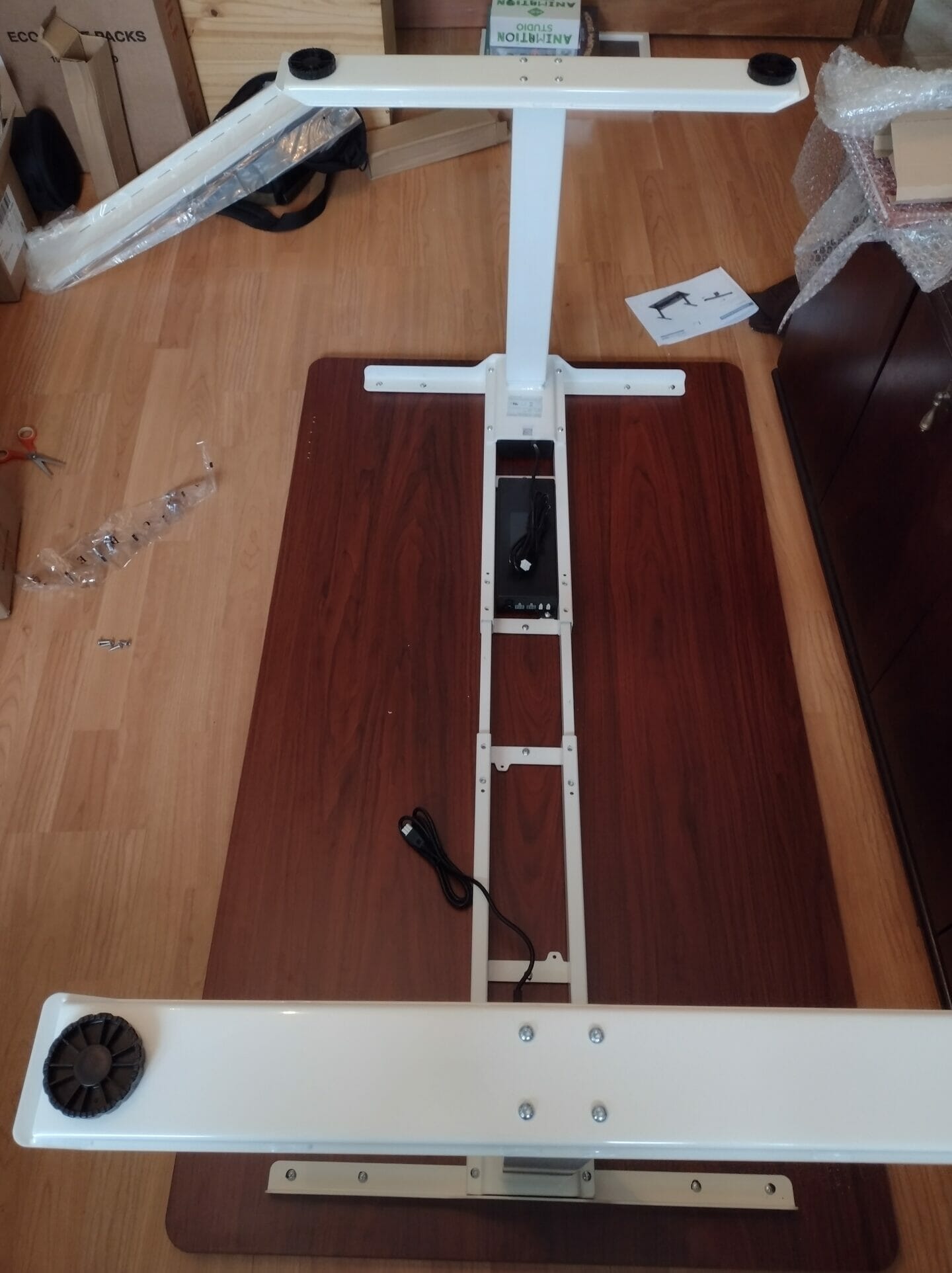
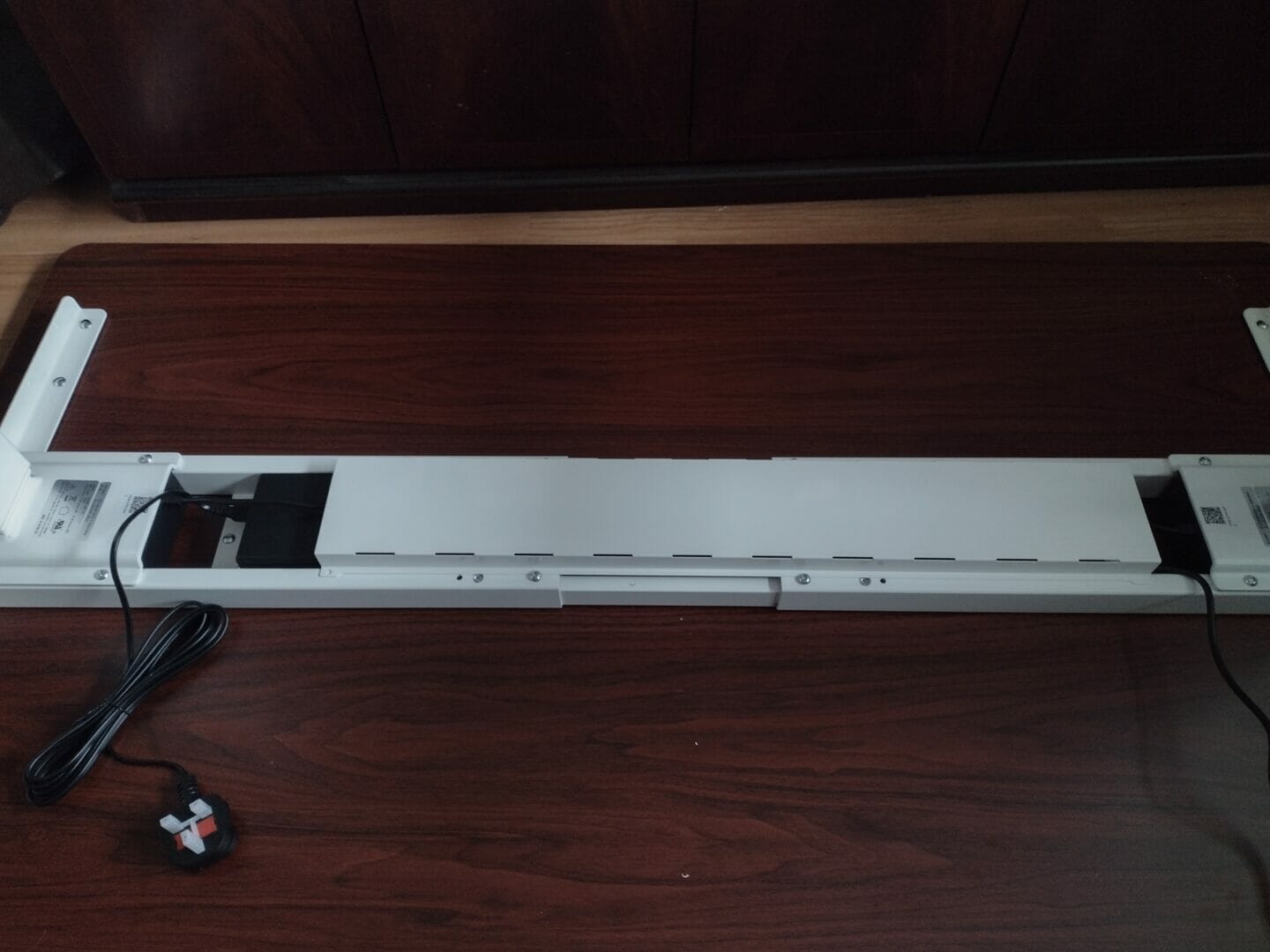
All told it took me around an hour and a half to put the desk together on my own. The only help I needed (thanks to Ross) was to turn the desk up the right way. Other than that, it was all just me! Once it is upright, it is easy to manoeuvre thanks to the pads on the feet of the desk.
What dimension is the Flexispot Standing Desk?
The desktop dimension measures 120-200cm (Width) and 60-80cm (Depth). The load capacity is 125/161kg.
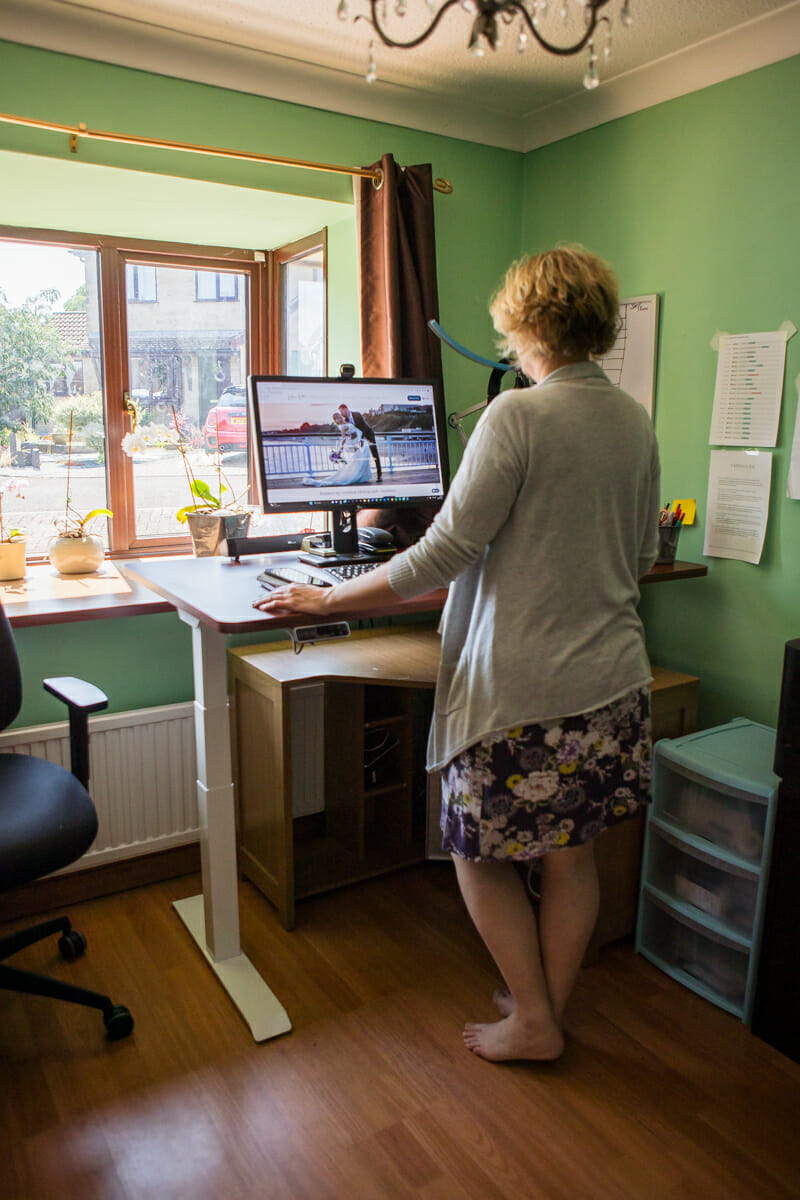
What are the controls like for the Flexispot Standing Desk?
The controls for this standing desk feature a number of different options and are excellent! Not only do you have the standard up and down mode, there is also a standing and seated position setting – which is easy to set-up and means that it memories your favourite locations when seated or standing for your desk – and goes there as soon as you press the button! There are also buttons numbered 1 and 2 for two further height settings of your choice.
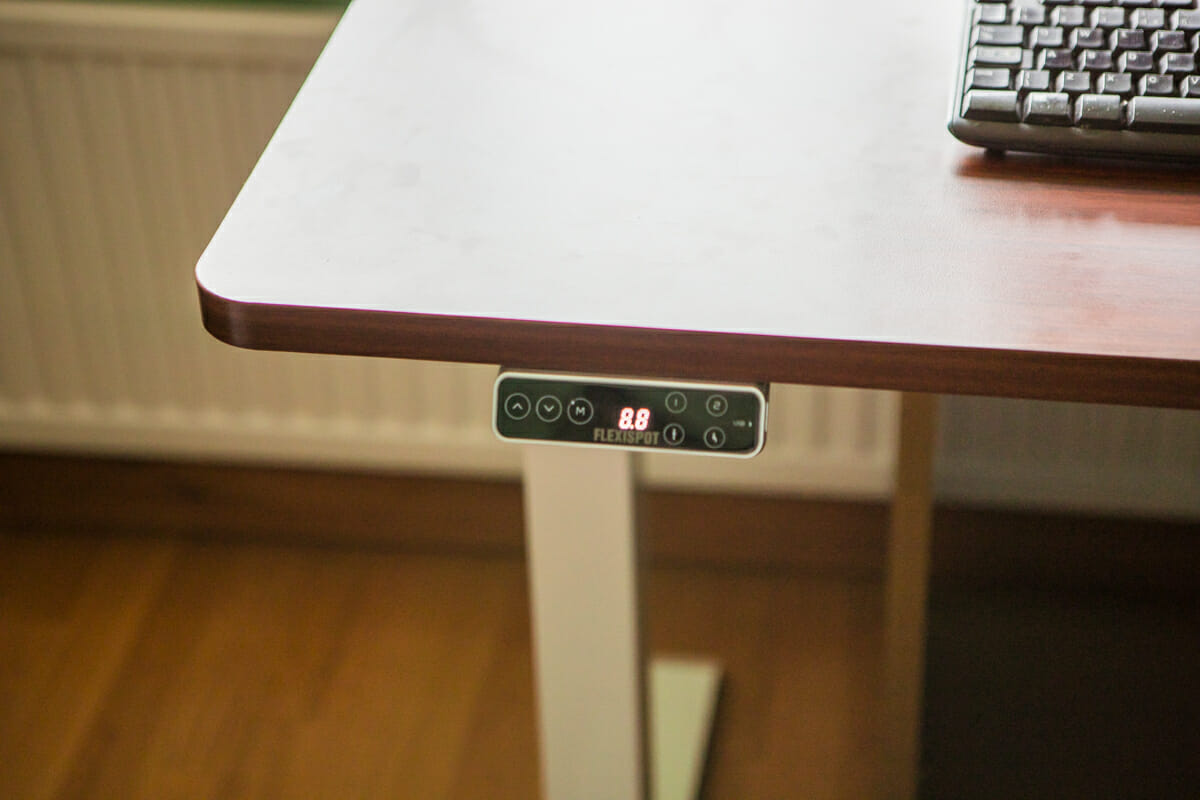
The touchpad is pretty sensitive (I have set it off a couple of times when I have brushed past it) but there is a way to combat this with the sensitivity setting, deciding from A-1 meaning low up to A-3.
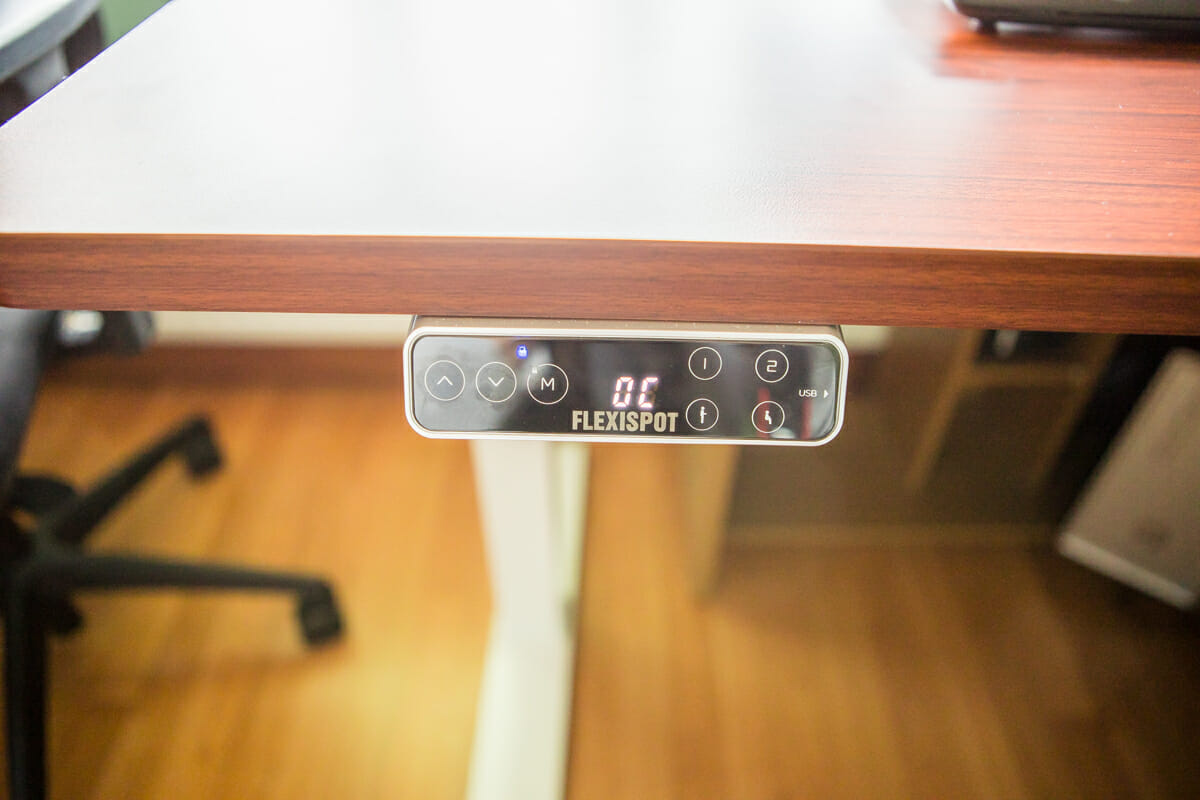
Finally, the most useful setting in my opinion is the child lock! Rex, my 6-year-old, has a tendency to mess around with things and the last thing I need is him moving my desk up and down too far (especially as I have chosen to keep my old desk underneath this one to increase storage space). All you need to do is press the ‘M’ button until it lights up and the current height will be locked. Press and hold it again until the light switches off to take off the lock.
How high does the Flexispot Standing Desk go?
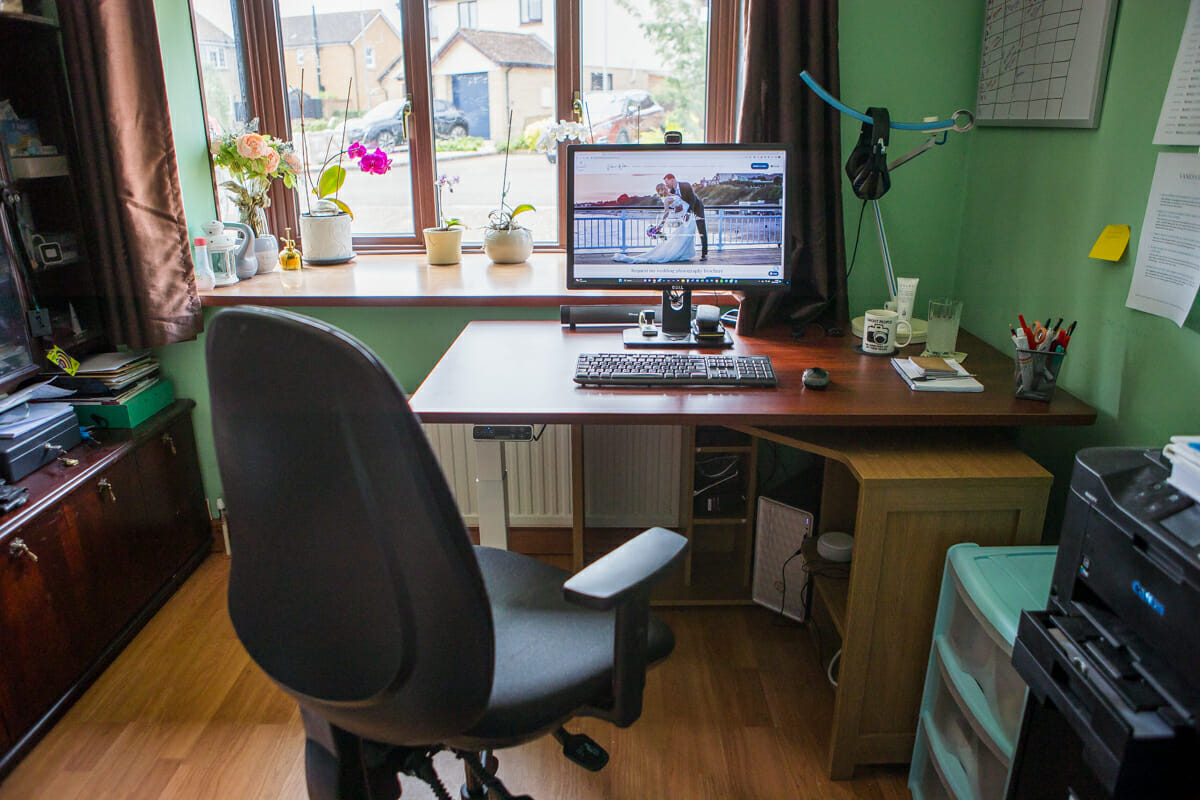
The height ranges from 58cm at it’s lowest setting to 123cm at it’s highest.
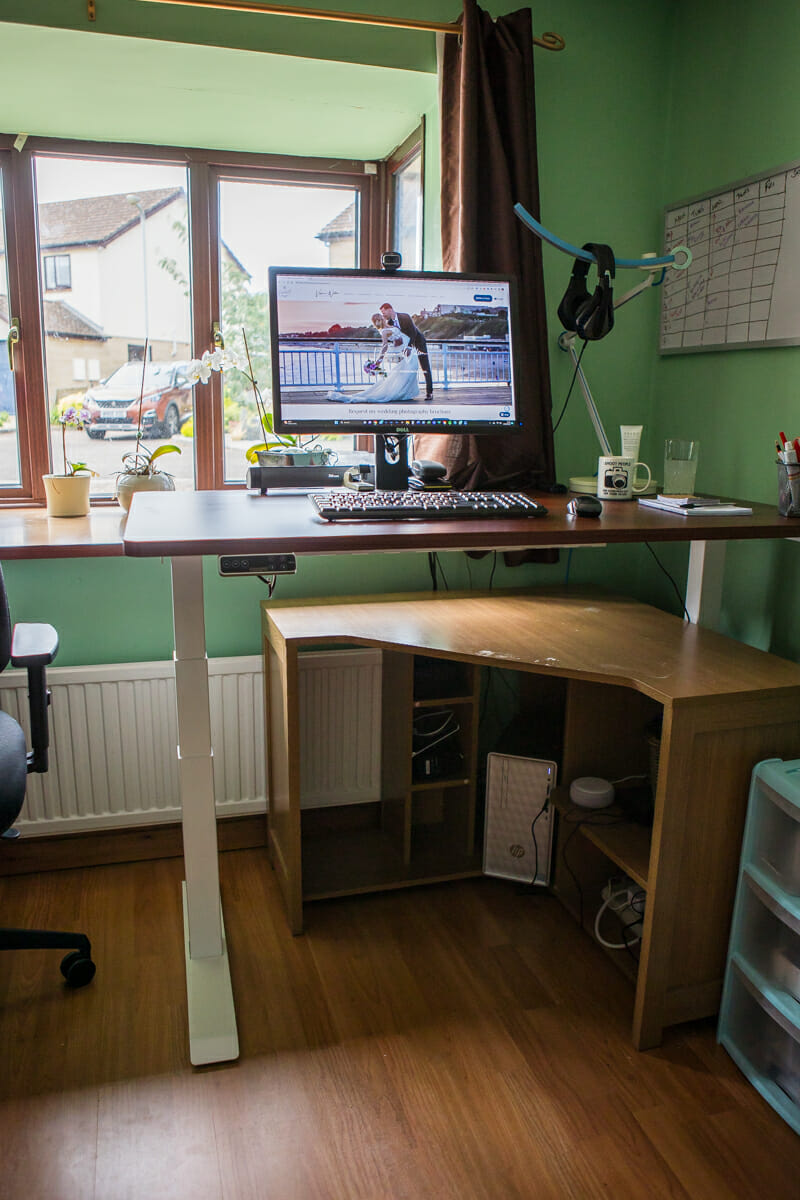
What other features does the Flexispot E7 Standing Desk have?
- Made of high-quality carbon steel
- Smaller gaps in table legs for stability
- Load capability upgrade
- Supports multifunctional workstations
- Quiet, speed and stable movement
- Remembers up to 4 preset heights
- Auto-off screen which saves power
- Anti-collision system which detect any forces in the opposite direction of its movement
- New design for installation is made for time and cost saving.
- 7-year warranty and Extraordinary stability.
My Thoughts on the E7 Flexispot Standing Desk
Ross has had a standing desk for a number of years and I have always been a little bit envious – especially in the afternoons when I get a bit tired of sitting at my desk and need to stand up and brush off the afternoon sleepy feeling.
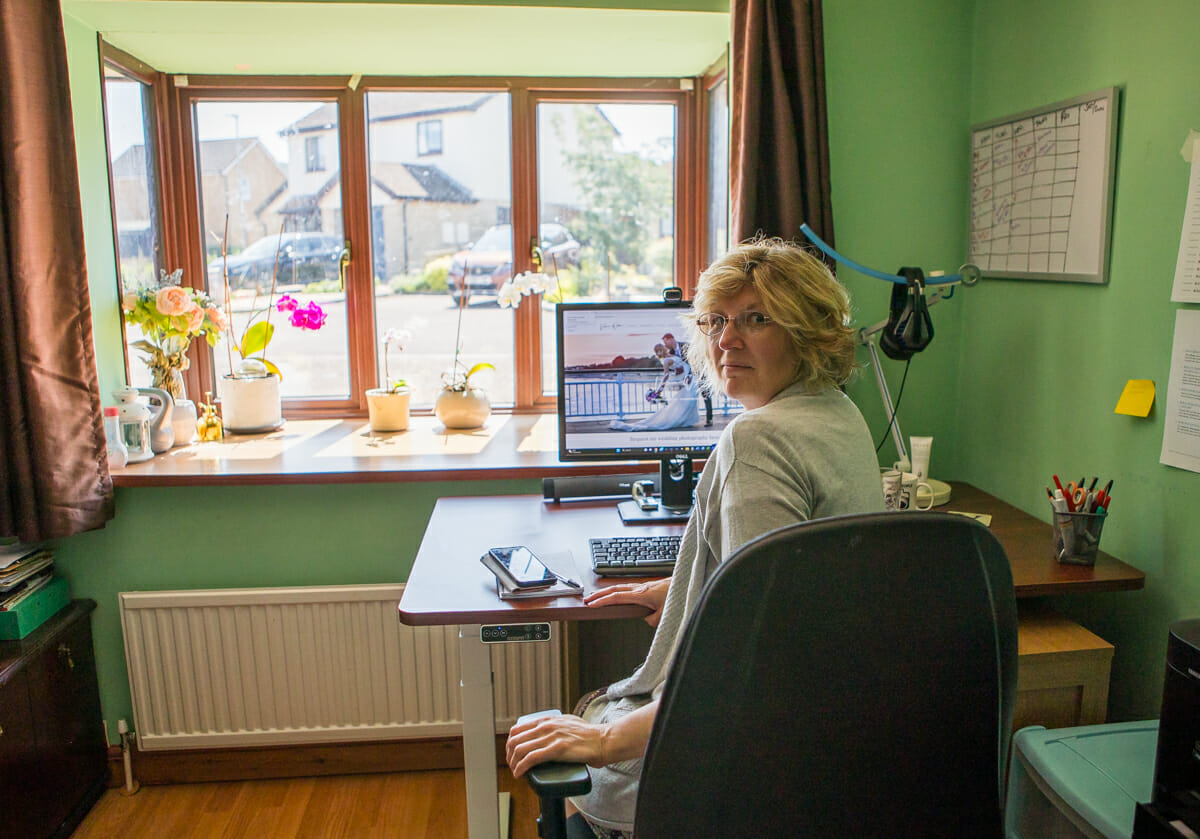
Now, he is envious of me! The desk I have has a number of settings more than his, matches my office decor and is lighter and easier to manoeuvre
I can wholeheartedly recommend the Flexispot Standing Desk and is now one of my favourite business items (aside from my cameras!).
The E7 Flexispot Standing Desk frame is available priced £419.99, a desktop can be added from £79.99 and accessories start at £26.99. You can currently benefit from their summer sale by saving a huge £120. Just use code: JULYE7 at checkout.